>Support
Search by topic, feature or keyword
Customise your note
Generate a patient note and use the prompt box at the bottom of the screen to adjust the style, structure, or content to your preference.
Save as a template
Once satisfied with the format, click the Save to Template Library icon located just above the prompt box.
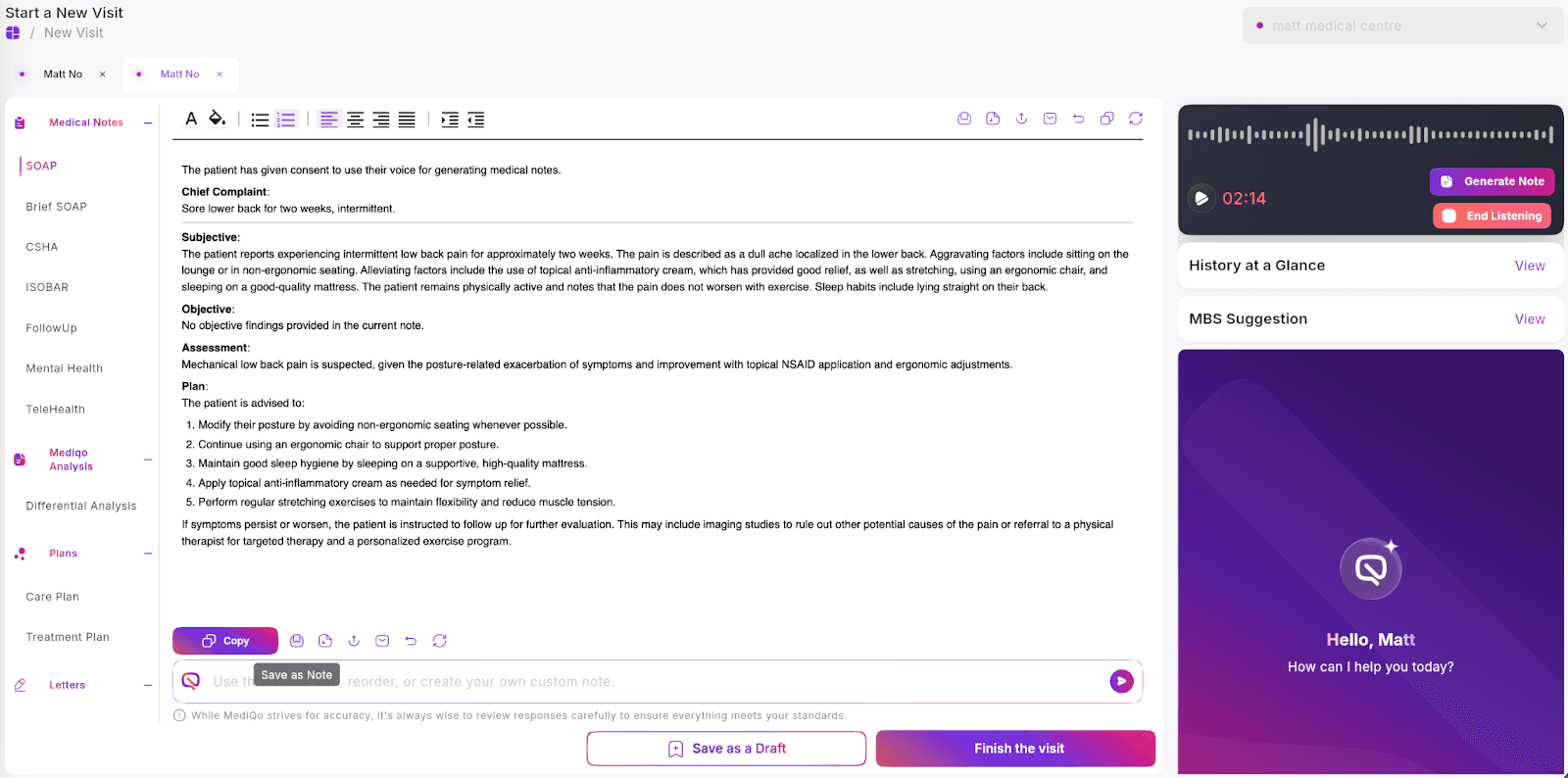
Name and confirm
Enter a name for your new template in the pop-up window and click Save Note. This template will now be accessible from the menu on the left.
Templates can be adjusted to:
Reflect clinic-specific documentation standards
Align with Medicare or insurer requirements
Match personal clinician preferences
Include predefined prompts or structured sections
Customised templates ensure more consistent outputs, reduce editing time, and support compliance with clinical documentation standards.
If your organisation requires network-wide templates, contact your administrator or MediQo Support to configure practice-level defaults.