>Support
Search by topic, feature or keyword
Access the Treatment Plan
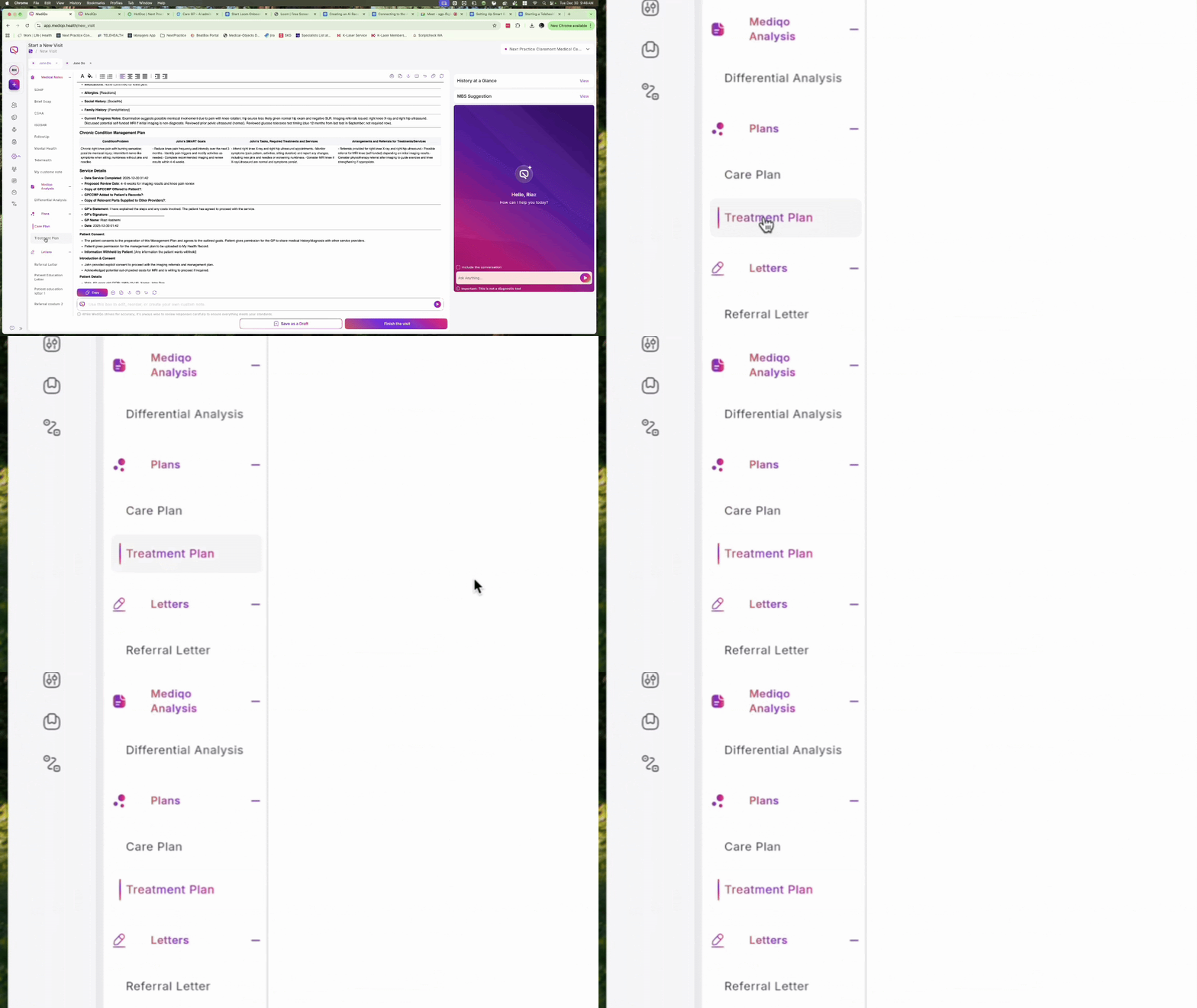
While in a consult, navigate to the menu on the left-hand side and click Treatment Plan. The system will automatically populate a comprehensive plan based on the consultation context.
Review the Generated Content
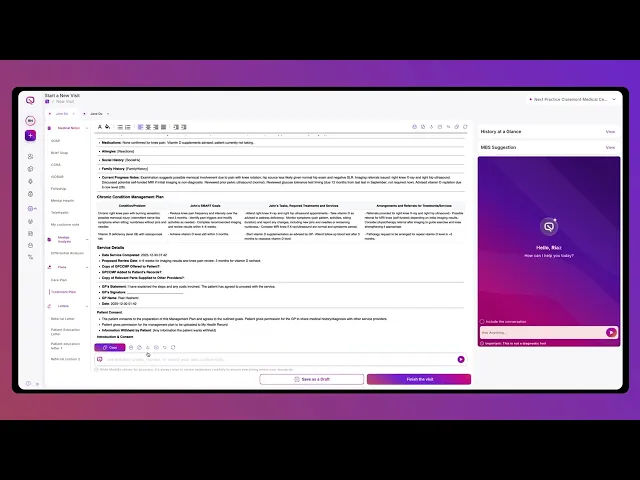
The plan includes several key sections: confirmation of diagnosis, prescribed medications, non-pharmacotherapy management, follow-up recommendations, and alignment with clinical guidelines.
Customise the Plan
To modify the content, type instructions into the Prompt Box at the bottom of the screen. You can ask the AI to remove specific sections, reorder items, or adjust the length and tone of the language
Export or Share the Plan
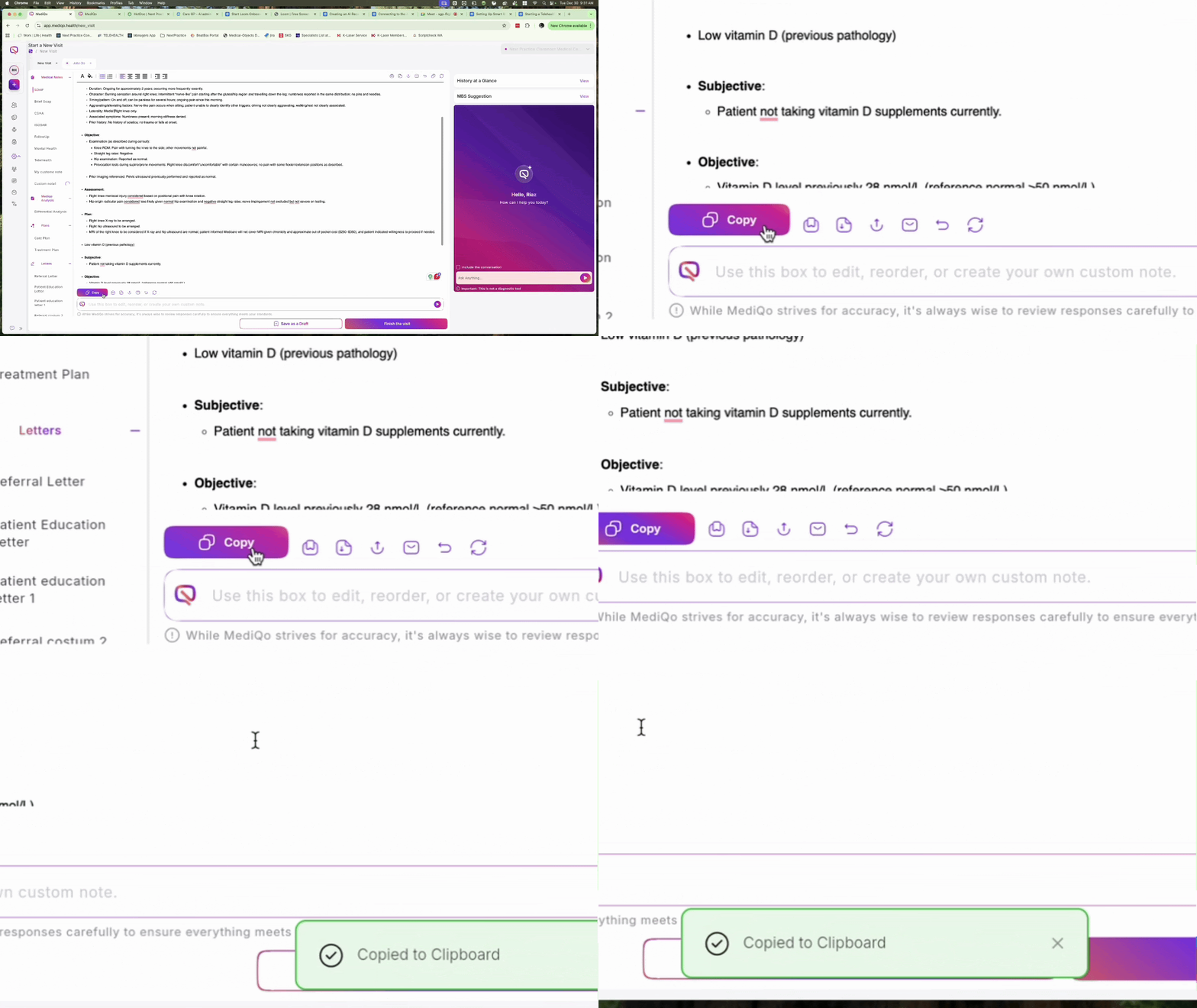
Once the plan is finalized, use the icons at the bottom of the page to share it. You can Copy to Clipboard, Email directly to the patient, Export as a Word document or PDF, or Print a physical copy.