





AI Phone Receptionists
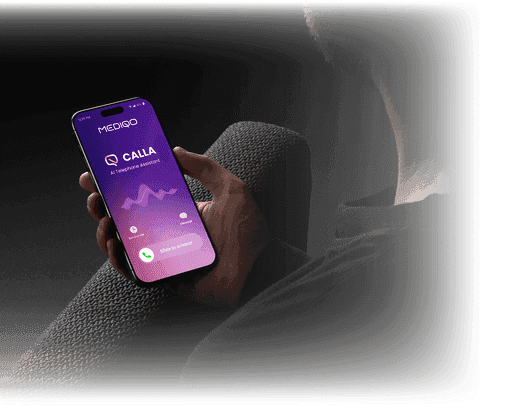
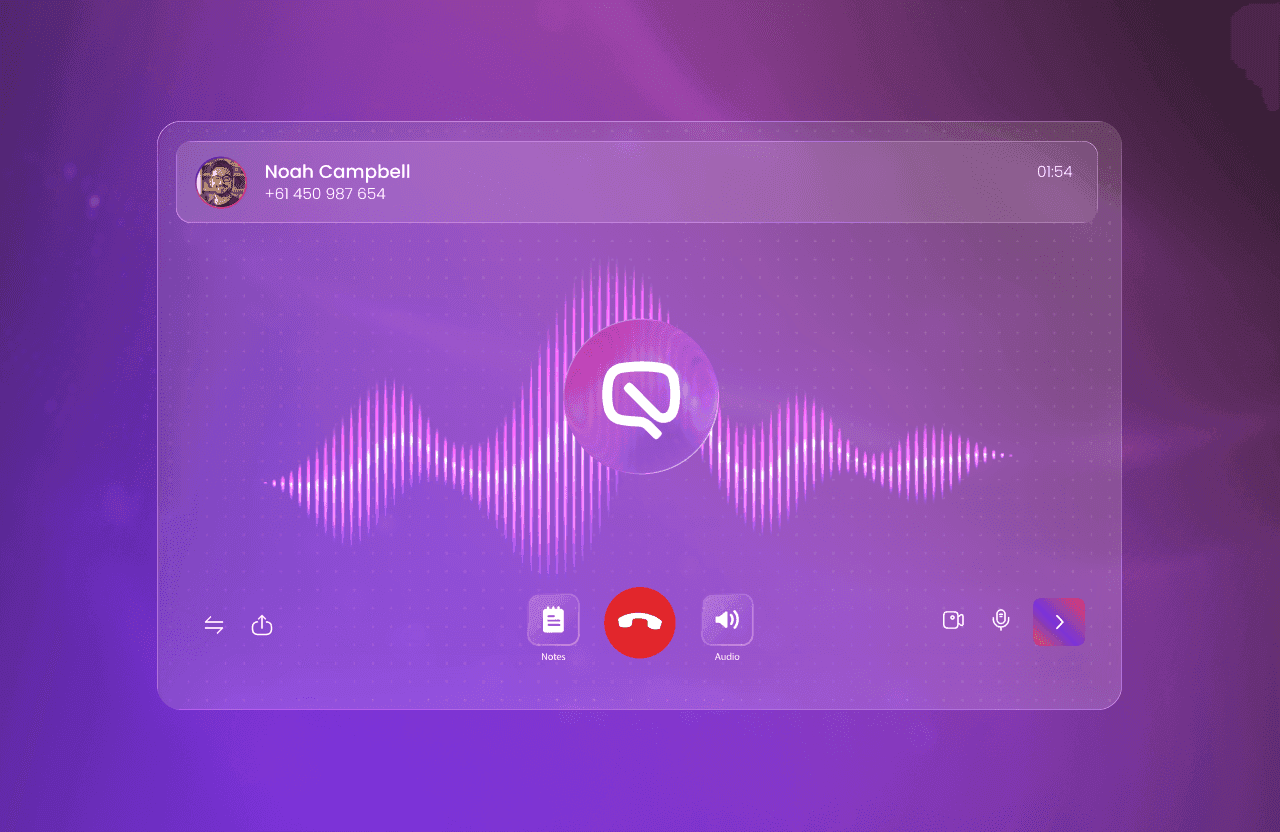
Answer every patient phone call, day or night. From after-hours coverage to overflow management, MediQo’s AI Phone Receptionists answer, schedule, and triage calls with human-like accuracy and empathy, and full customisation, integrating directly with Best Practice to book, update, or cancel appointments automatically.
Learn More
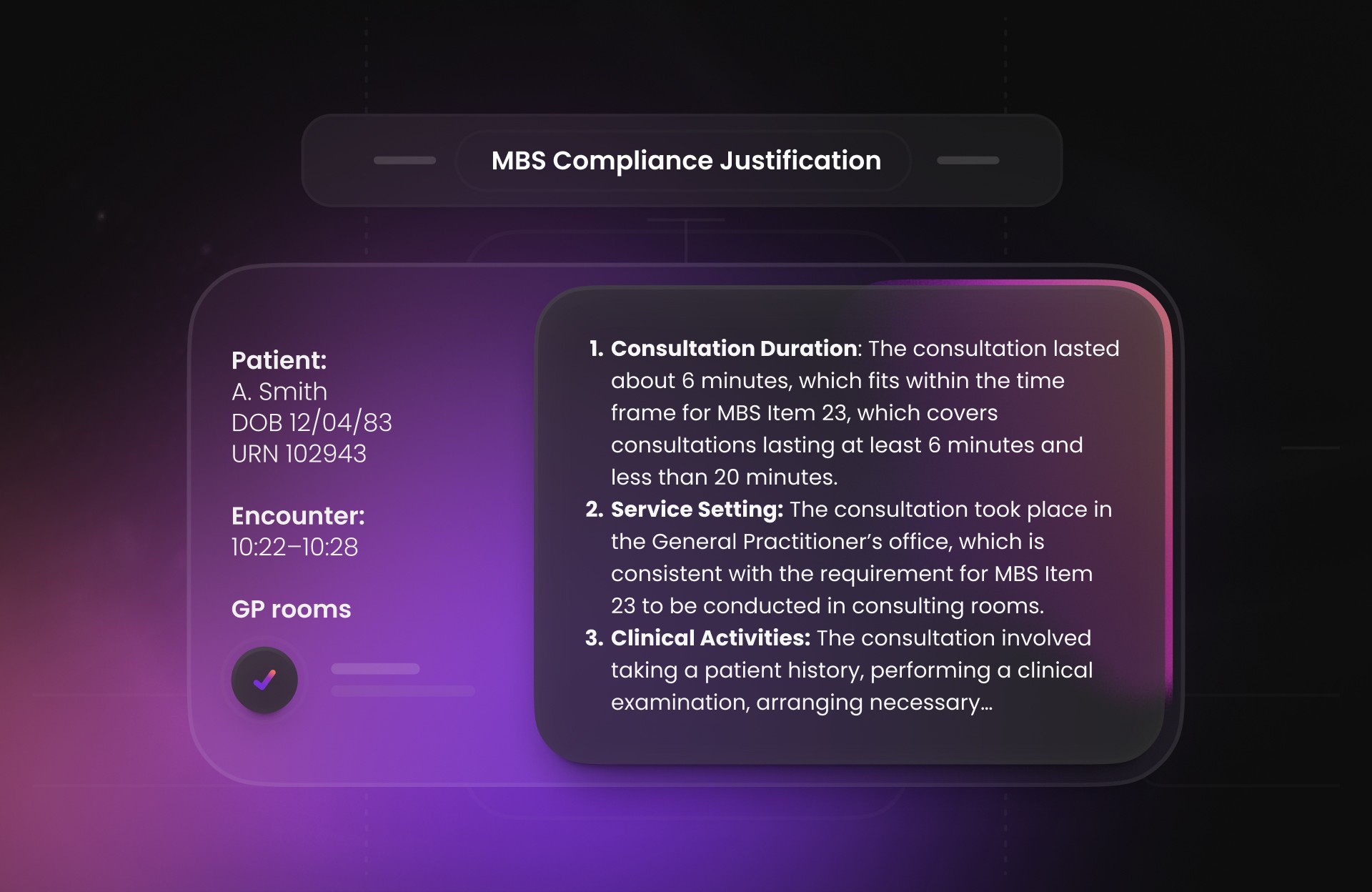
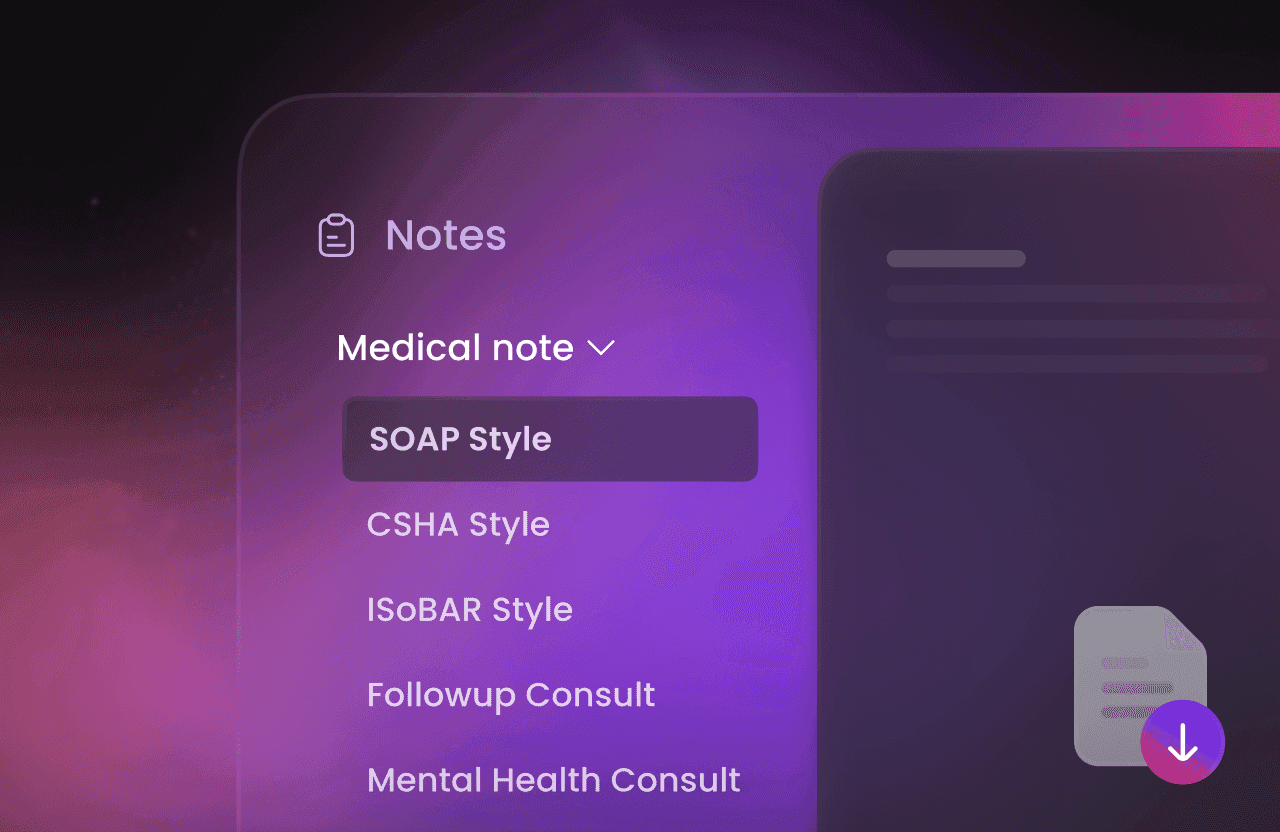
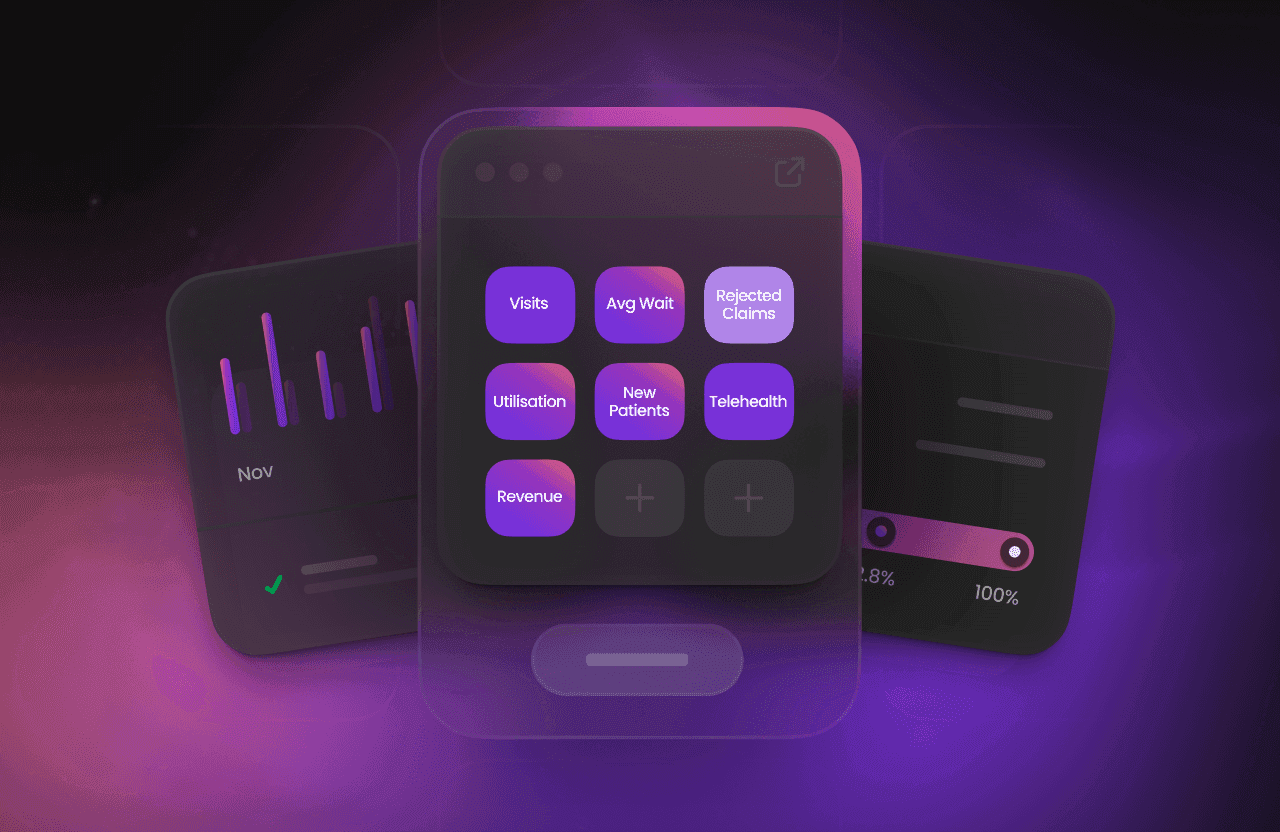
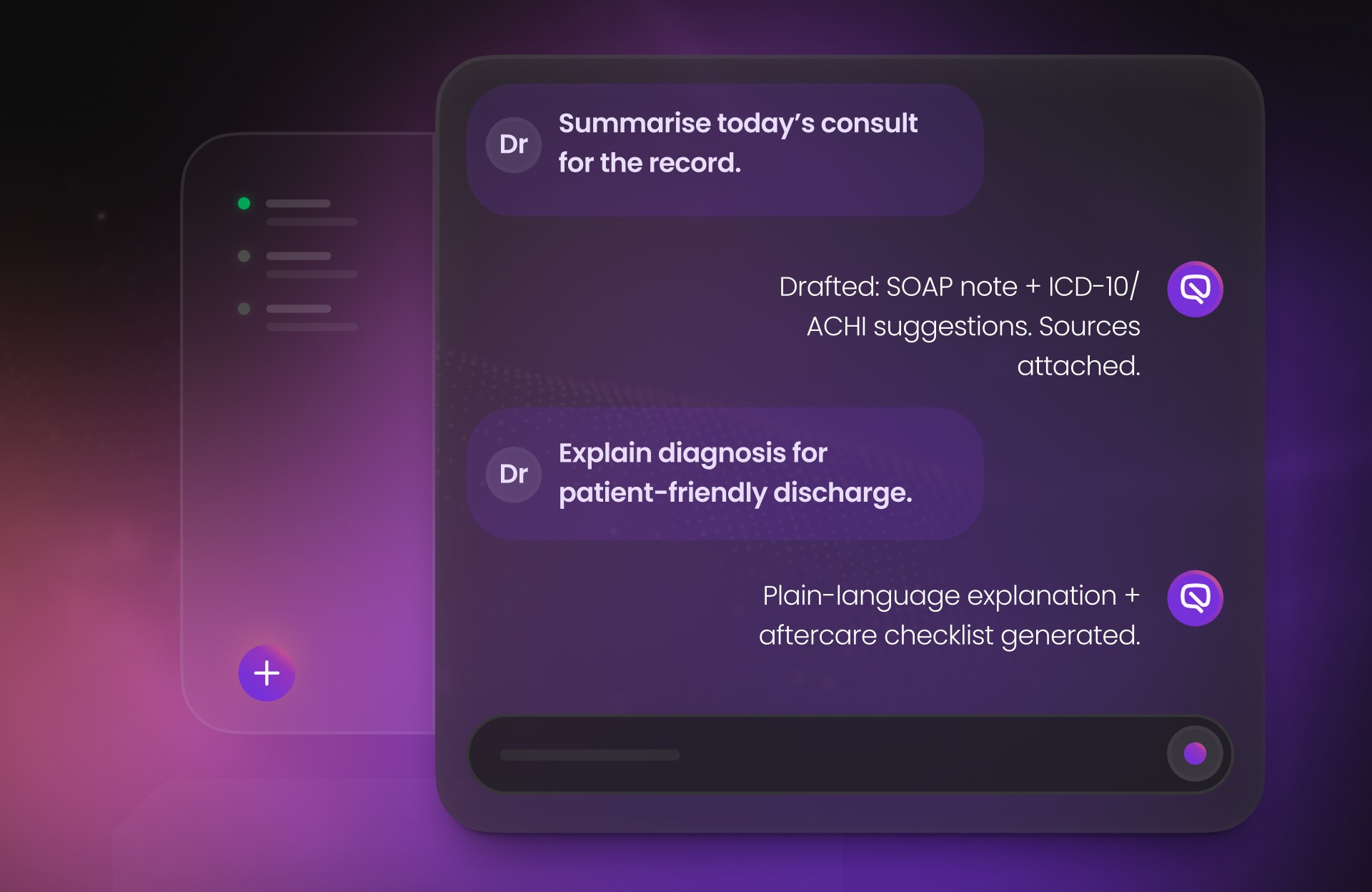
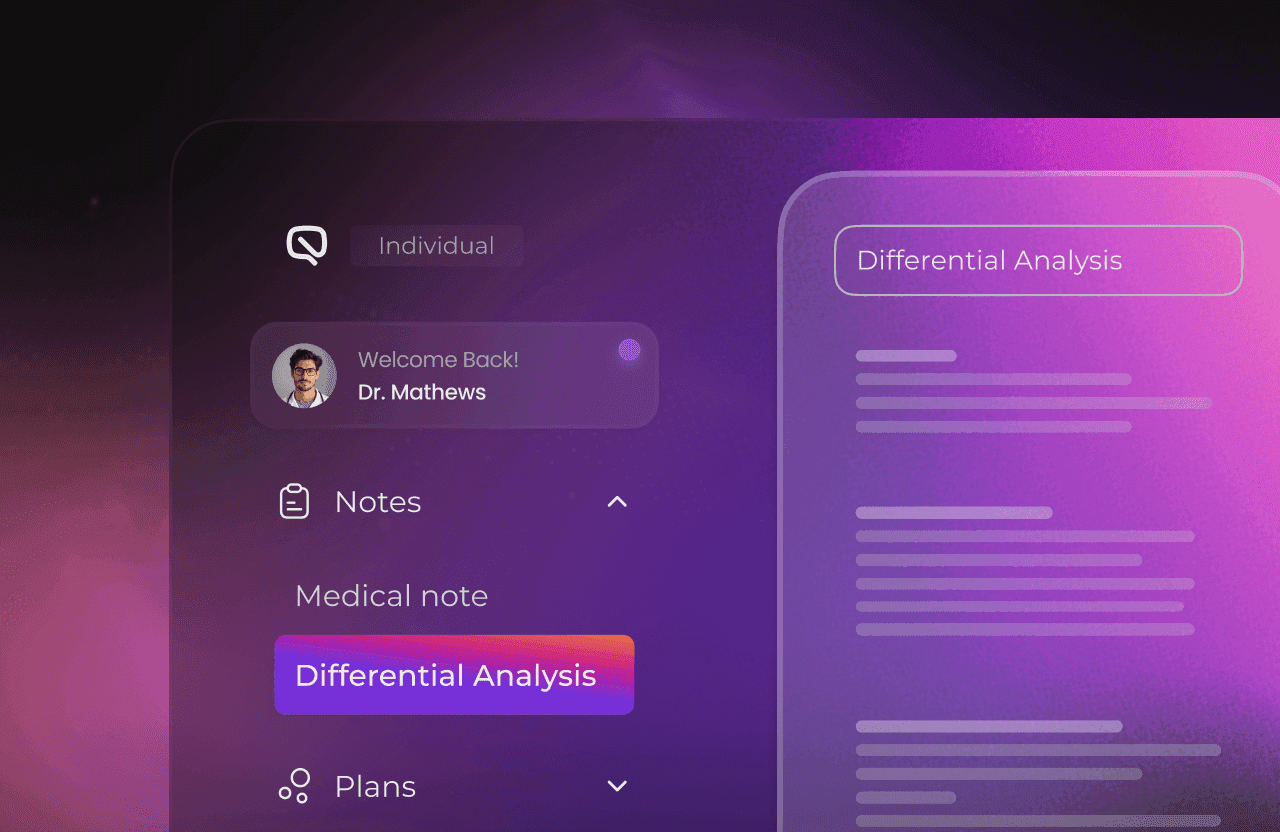
Hear from the doctors, practice managers, and IT partners transforming their workflows with MediQo. From reduced admin time to seamless patient experiences, these clinics share how AI is helping them deliver better care — and run smarter practices.



Enable Mediqo Integration
Log in to Best Practice.
Go to Setup → Configuration → Database → Setup Third Party Integrations. Tick Mediqo Health (via Halo Connect) and click Save.
Provide Site ID
In BP, navigate to Help → About BP Premier.
Note the Site ID and email Site ID directly to our secure mediqo.health email address
Create Mediqo User Account
In BP, create a new user account named Mediqo AI Reception.
Assign a secure password. Set the role as Reception.
Frequently asked
questions
Does MediQo integrate directly with Best Practice?
Yes. MediQo connects with Best Practice through secure APIs, enabling real-time syncing of appointment information and clinical data, and copy functionality into Best Practice for AI documentation.
Where is data hosted?
Yes. All MediQo data is fully encrypted and hosted in Australian data centres (Sydney and Melbourne), compliant with HL7, FHIR, ISO 27001, HIPAA, and SOC 2.
What can the integration do?
The MediQo–Best Practice integration allows AI Phone Receptionists to book, update, and cancel appointments directly in your PMS. It also allows you to copy MediQo’s AI scribe, medical assistant, and AI documentation outputs seamlessly into Best Practice records.
Is setup complicated?
Not at all. MediQo integrates using your existing Best Practice configuration. Most practices are up and running in under two hours, with no disruption to current workflows or patient data.
Will we need new logins or software installs?
No. MediQo works alongside your existing Best Practice system and staff logins. There’s no additional software to install on local machines — everything is securely cloud-connected and hosted in Australia.
Can the integration support multi-site practices?
Absolutely. MediQo scales across multiple locations, with unified or site-specific configuration options to fit your practice structure.
What happens if there’s an internet or sync issue?
MediQo automatically queues and re-syncs data once connectivity is restored, ensuring no bookings or notes are lost.
Do I need to update my Best Practice license or version?
MediQo works with current and recent versions of Best Practice (Premier and Jade). We’ll verify compatibility during onboarding and assist with updates if needed.