>Support
Search by topic, feature or keyword
If your AI-generated notes appear incomplete during a consultation, there are several quick checks you can perform.
1. Regenerate or Refresh Notes
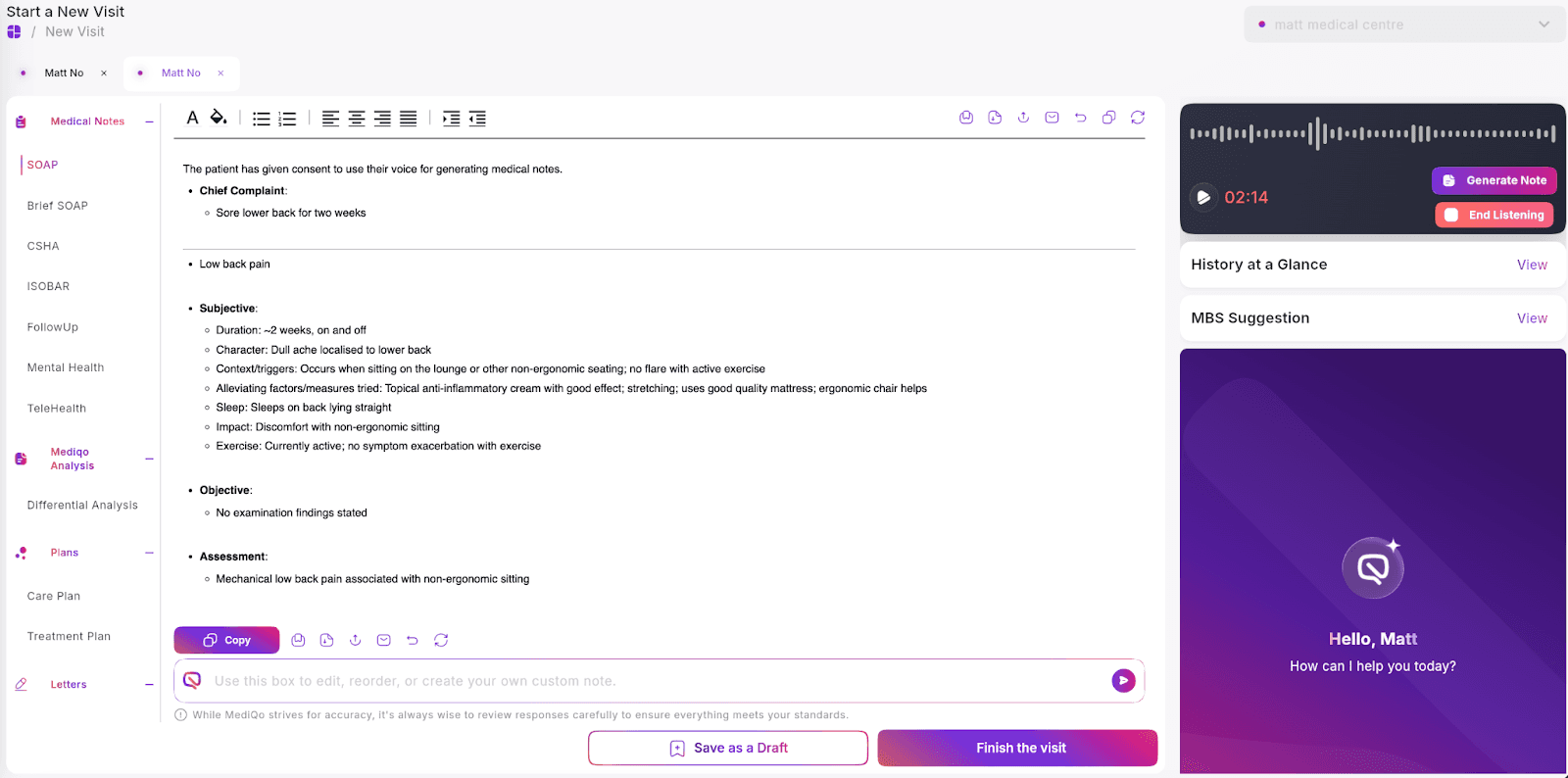
At any point during the consultation, you can generate or refresh your notes by clicking the Generate Notes button on the right hand side. You may click this again during the consult to update the documentation with newly captured information.
2. Use Prompt Commands
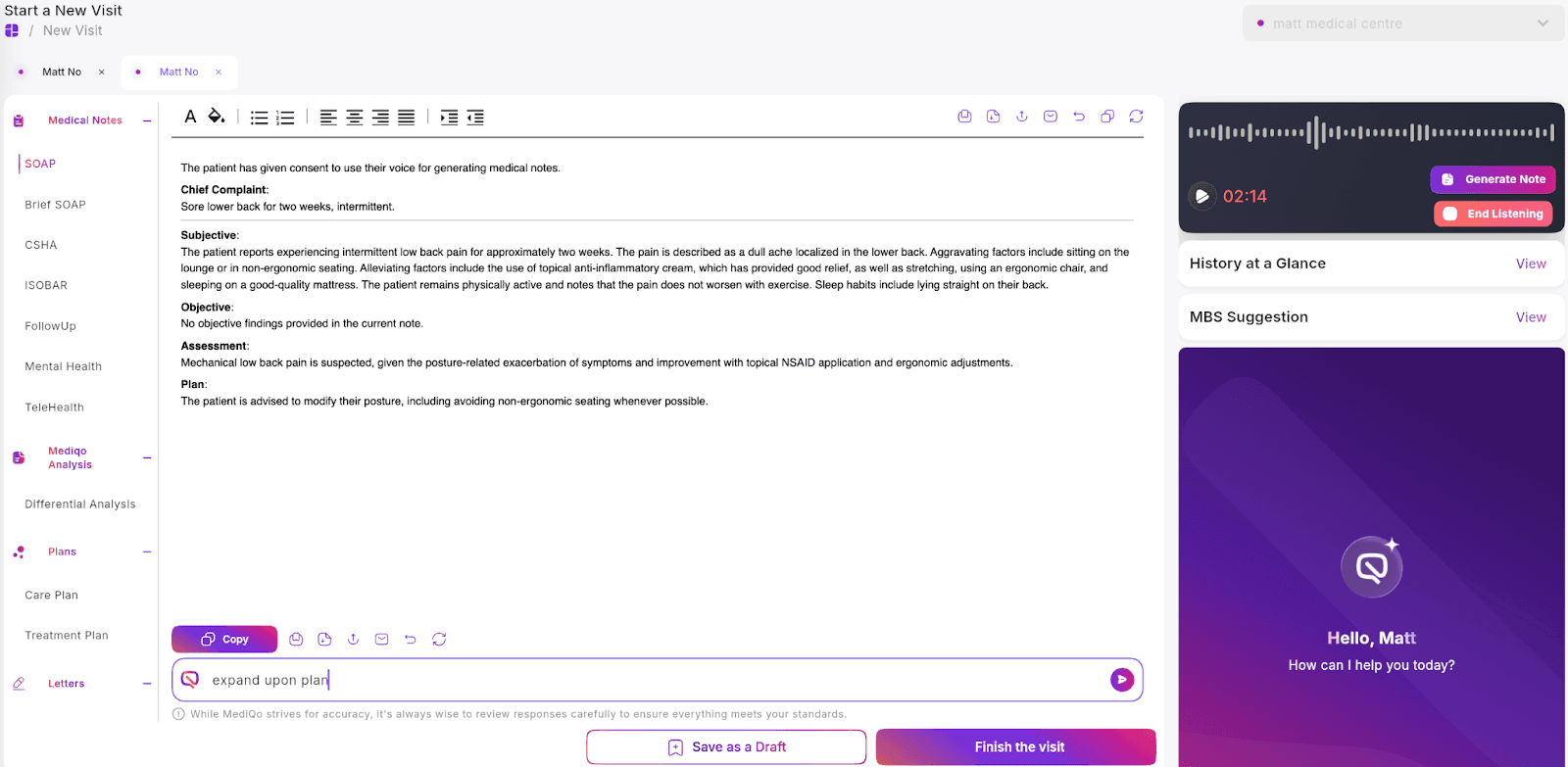
You can type specific instructions into the prompt box to refine the output. For example, you may ask the AI to expand on an assessment, restructure the note format, or include additional clinical details.
3. Edit Inline
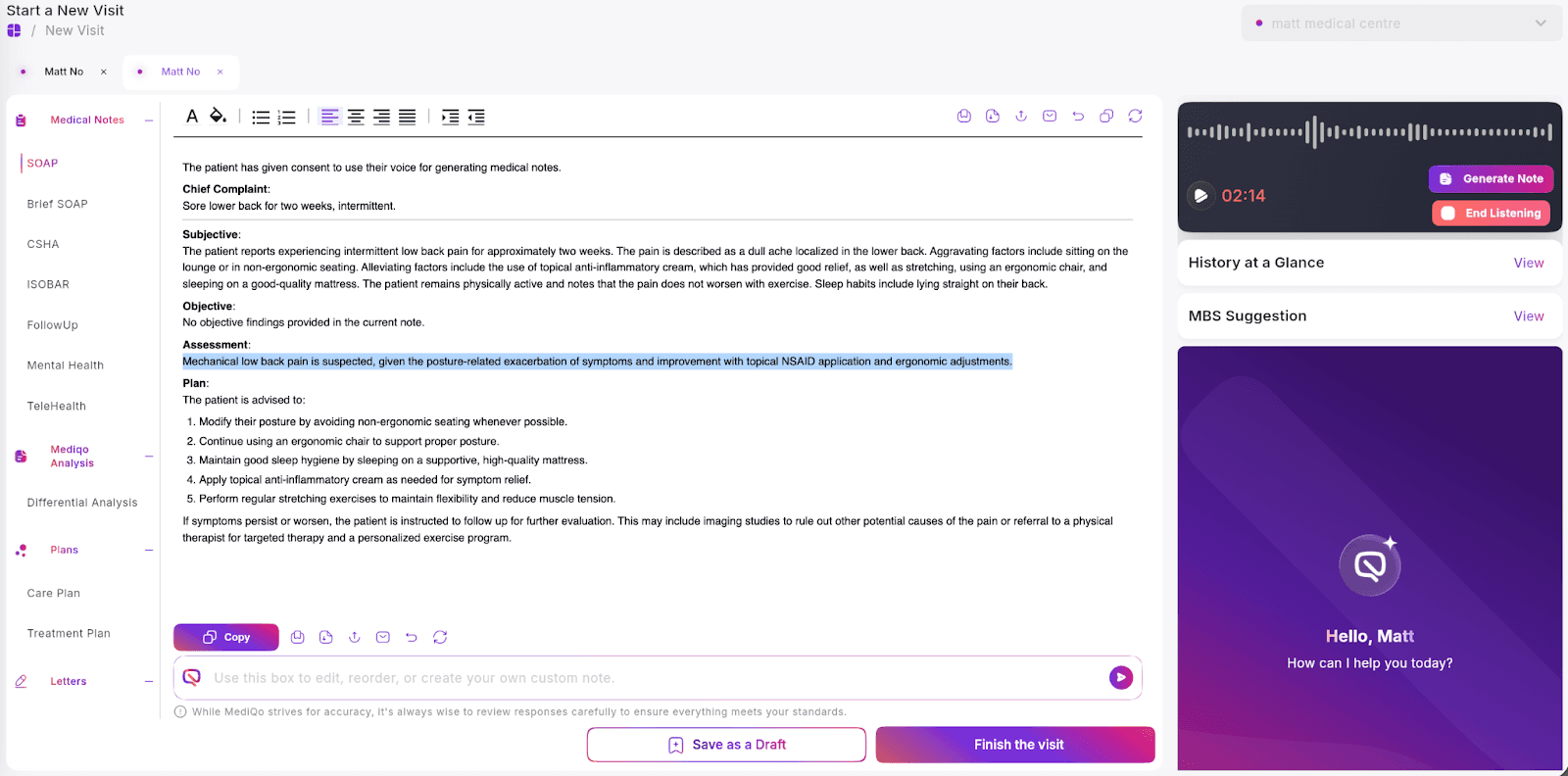
All AI-generated content is fully editable. You can make changes directly within the document at any time before saving to your clinical system.
If issues persist, ensure that:
The AI scribe is actively enabled (triggered-only listening must be activated)
Audio input is functioning correctly (if using dictation)
Your internet connection is stable
If you continue to experience difficulties, please contact MediQo Support so we can investigate further.