>Support
Search by topic, feature or keyword
While in a consult, navigate to the menu on the left sidebar and select Patient Education Letter
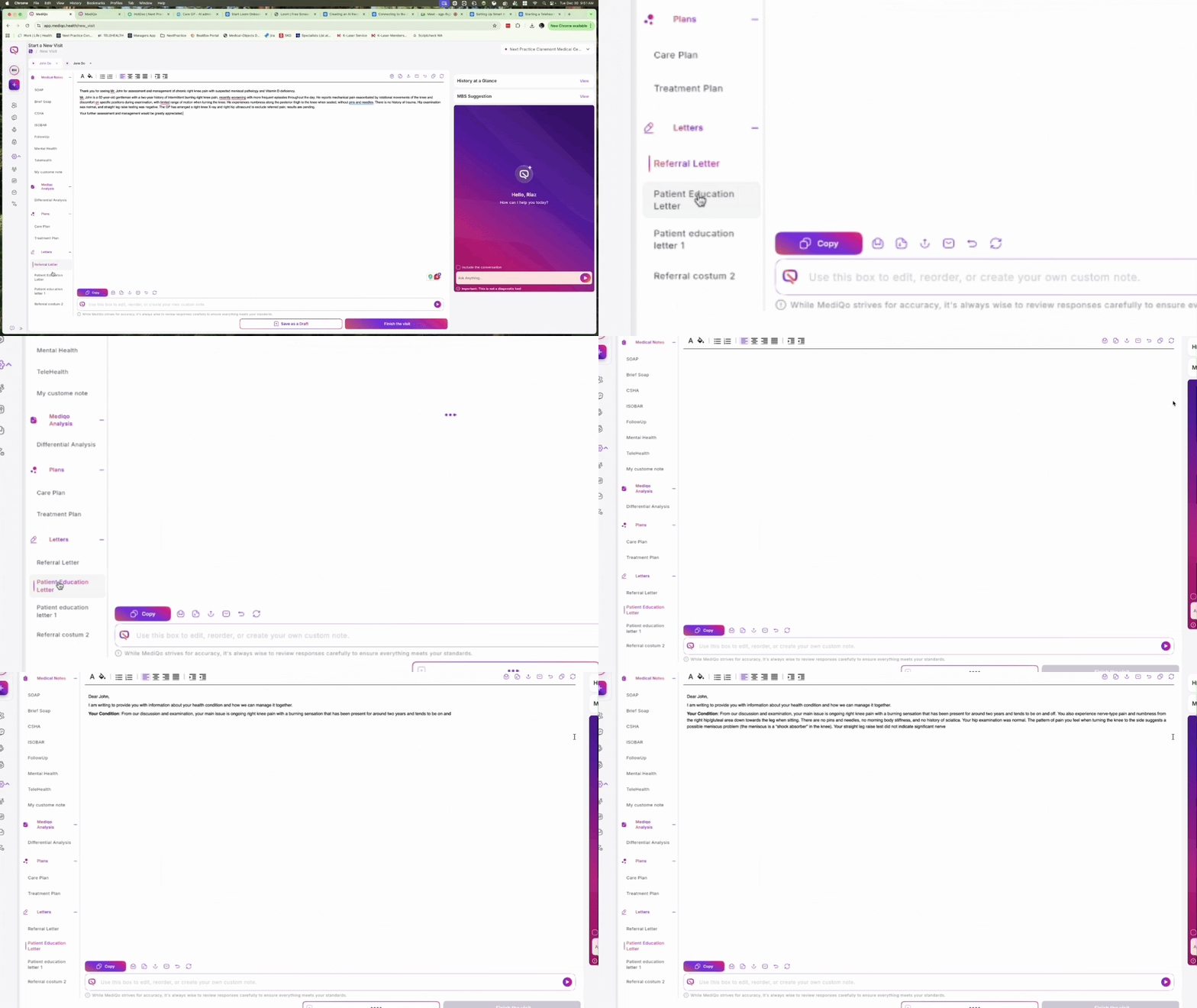
Review the automatically generated content, which covers health conditions, prescribed medications, potential side effects, lifestyle advice, and next steps.
Edit the text directly in the document window, or use the Prompt Box at the bottom to instruct the AI to adjust the length, tone, or specific details (e.g., "Remove the next steps Review the automatically generated content, which covers health conditions, prescribed medications, potential side effects, lifestyle advice, and next steps.section").

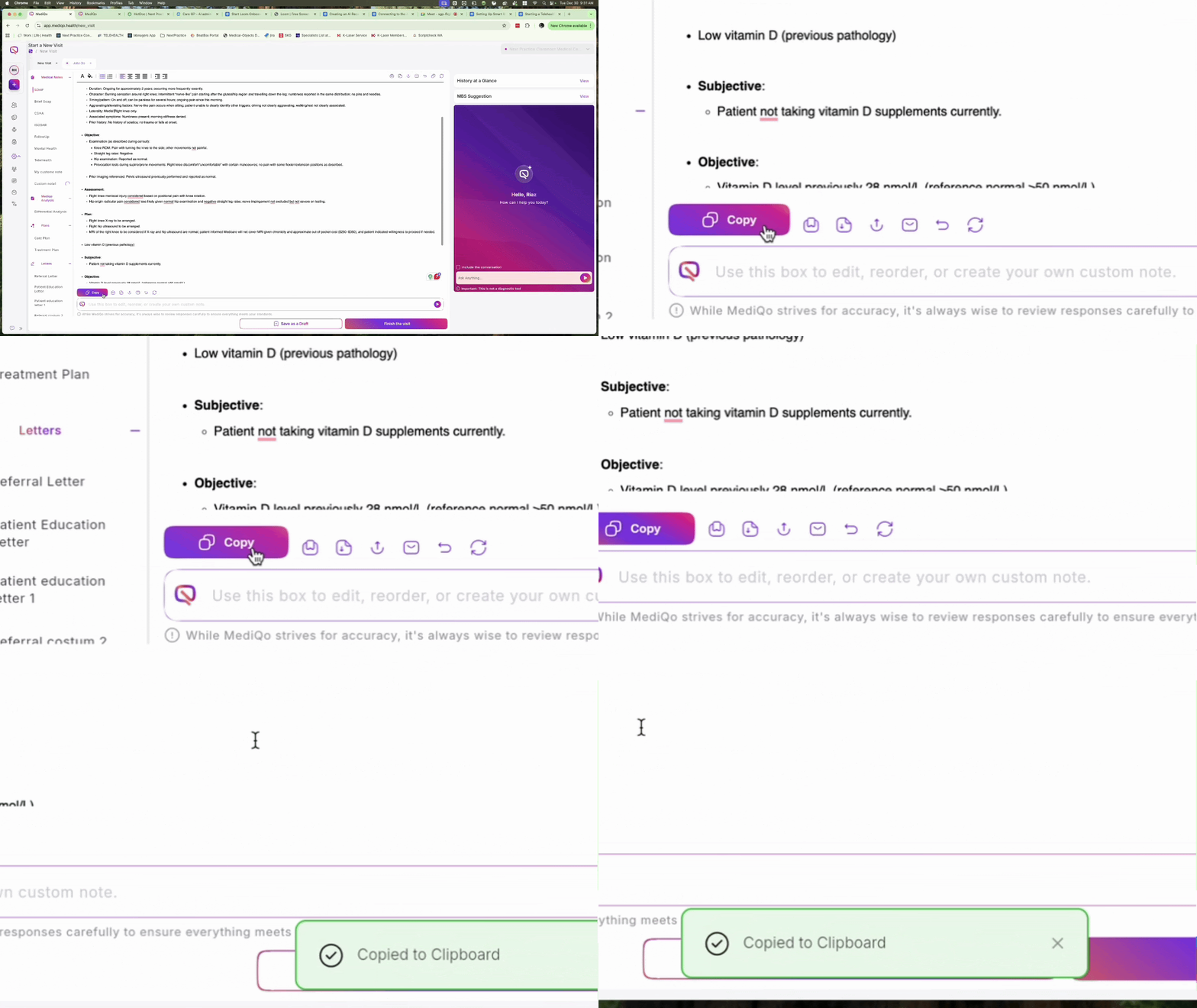
Once finalised, use the icons located below the letter to Copy, Export to Word, Export to PDF, Print, or Email the document to your patient.