>Support
Search by topic, feature or keyword
To regenerate:
Click the Generate Note button.
The AI will update the document based on the current captured content.
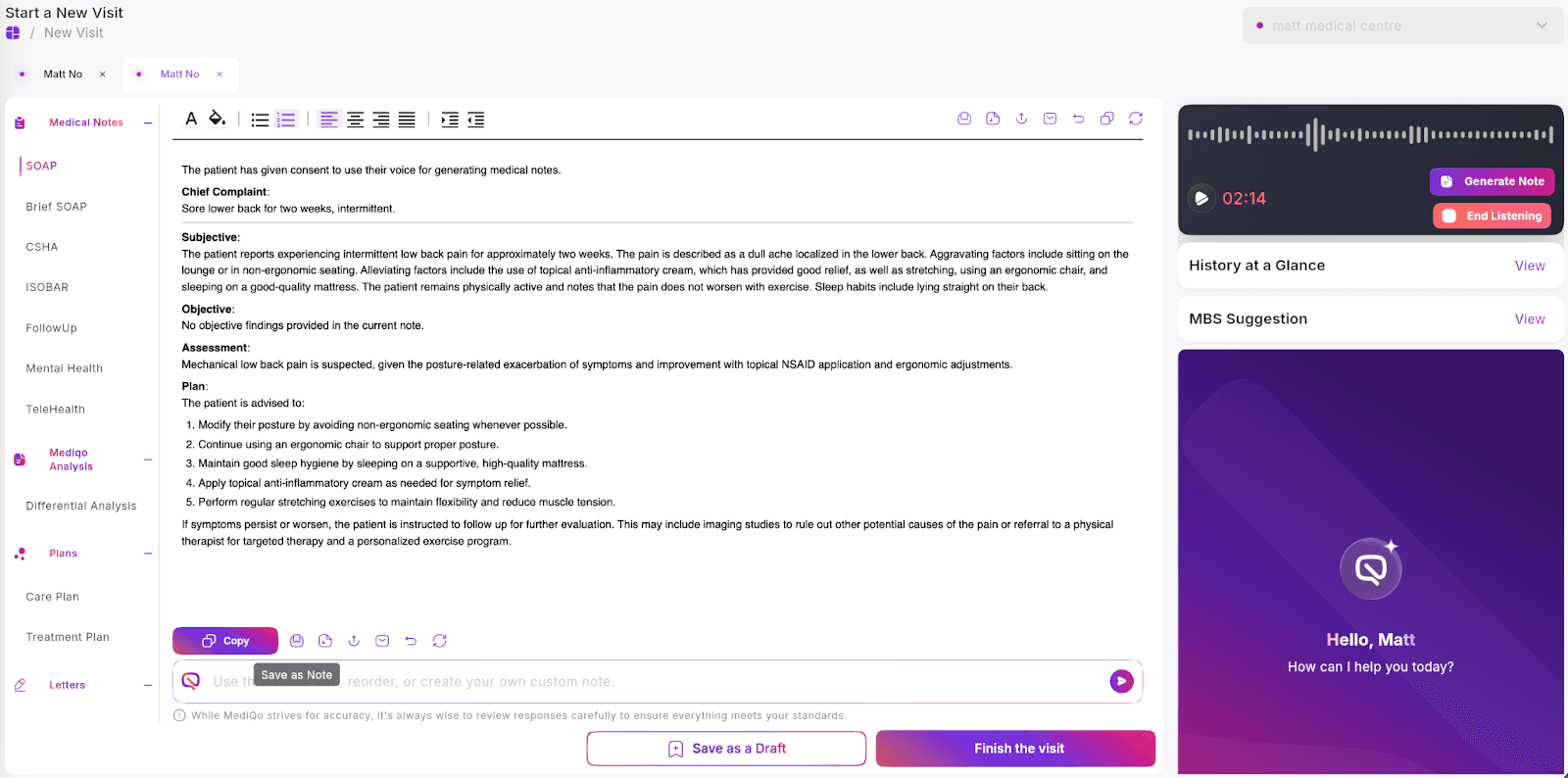
You may repeat this process multiple times throughout the consult as new information is discussed.
If you would like to guide the regeneration more specifically, enter a command into the prompt box before regenerating.
For example:
Make this more concise.
Add more detail to the examination.
Structure as a GP management plan.
Regeneration does not overwrite your manual edits unless you instruct it to do so. Always review the final version before saving to your PMS.
If regeneration does not produce the expected output, check your audio capture settings and confirm the AI scribe was active during the relevant portion of the consult.