>Support
Search by topic, feature or keyword
On the MediQo login page, click “Forgot Password?”
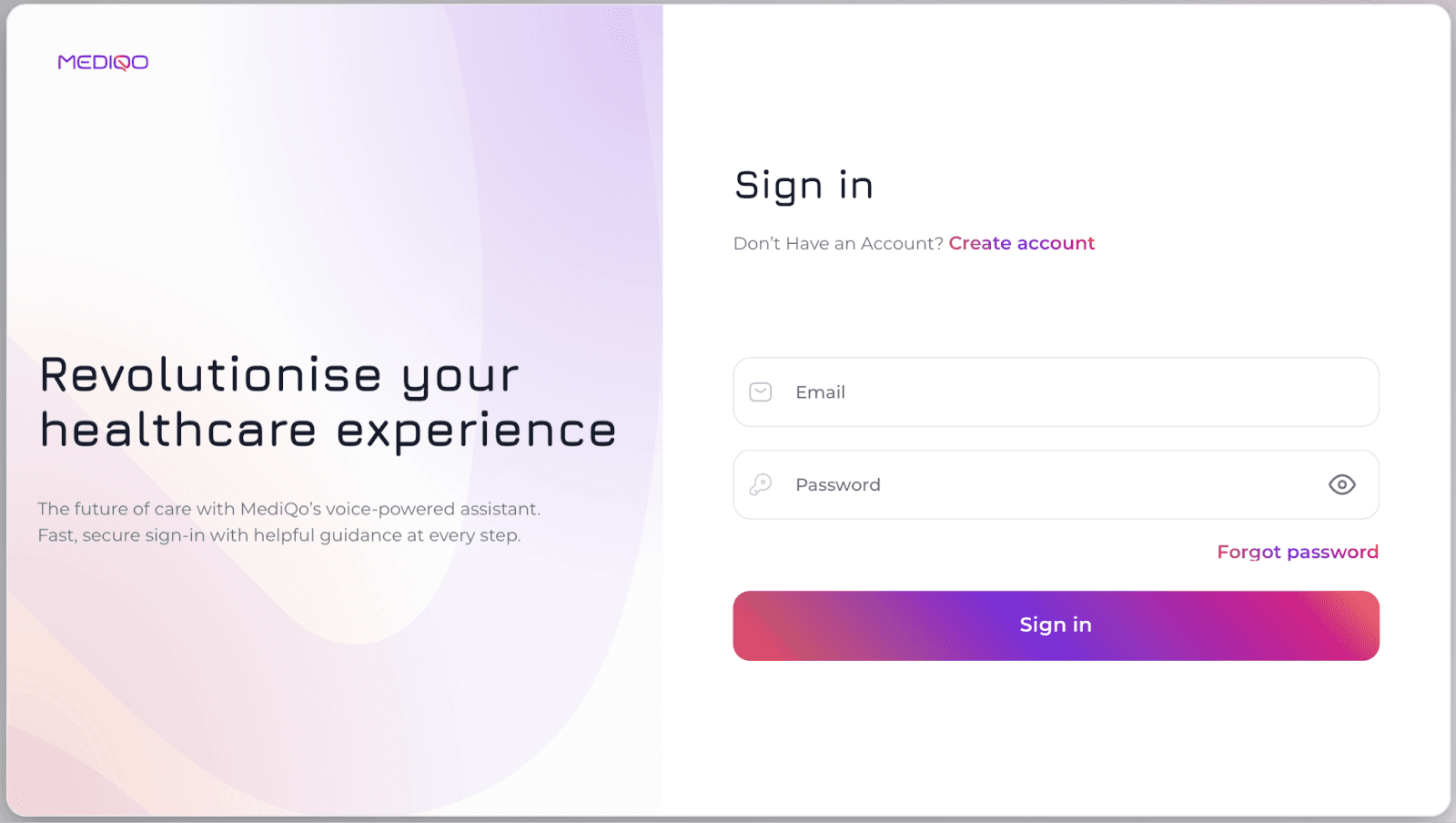
Enter the email address you used to register your MediQo account.
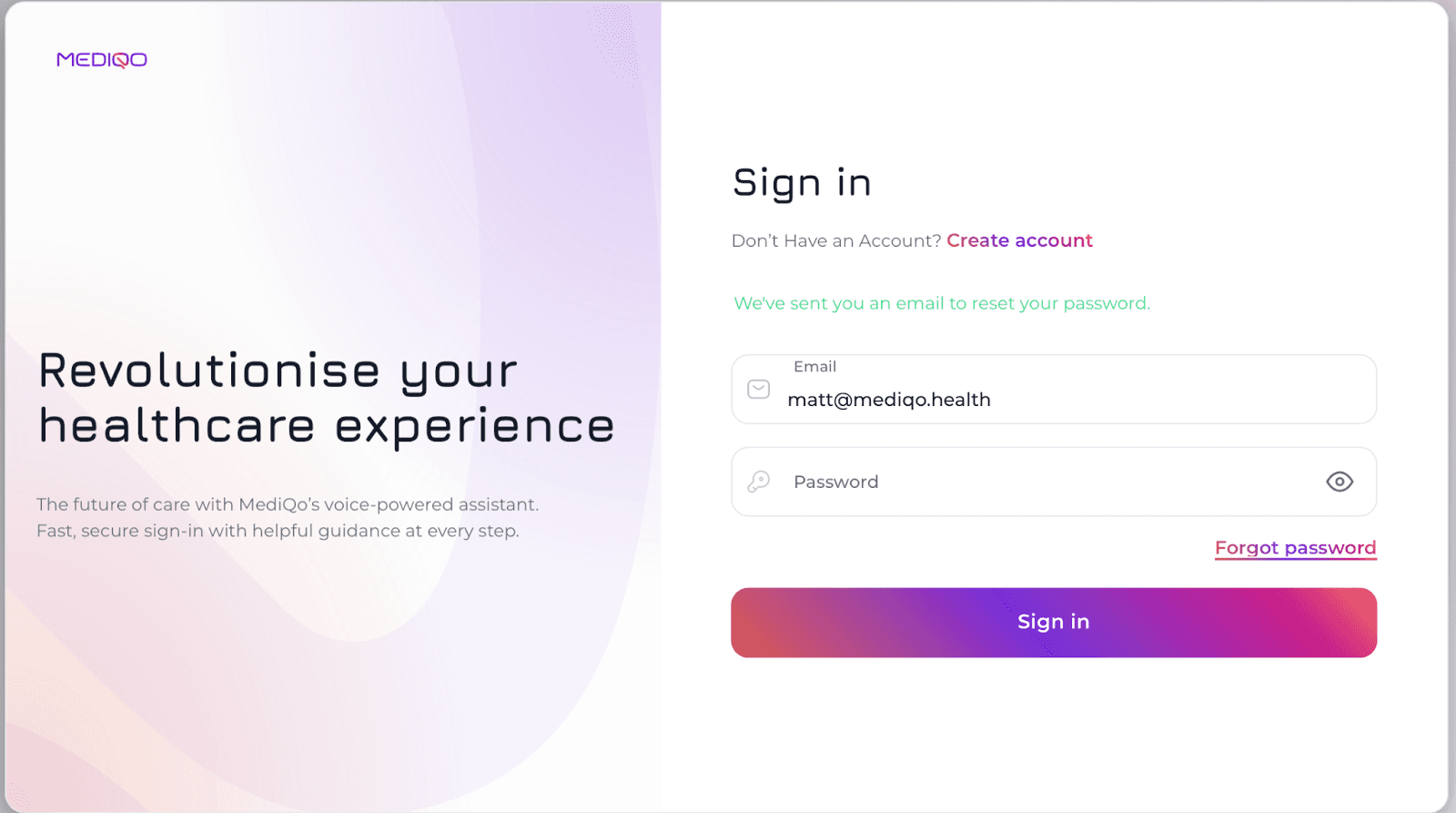
You will receive an email containing secure instructions to reset your password.
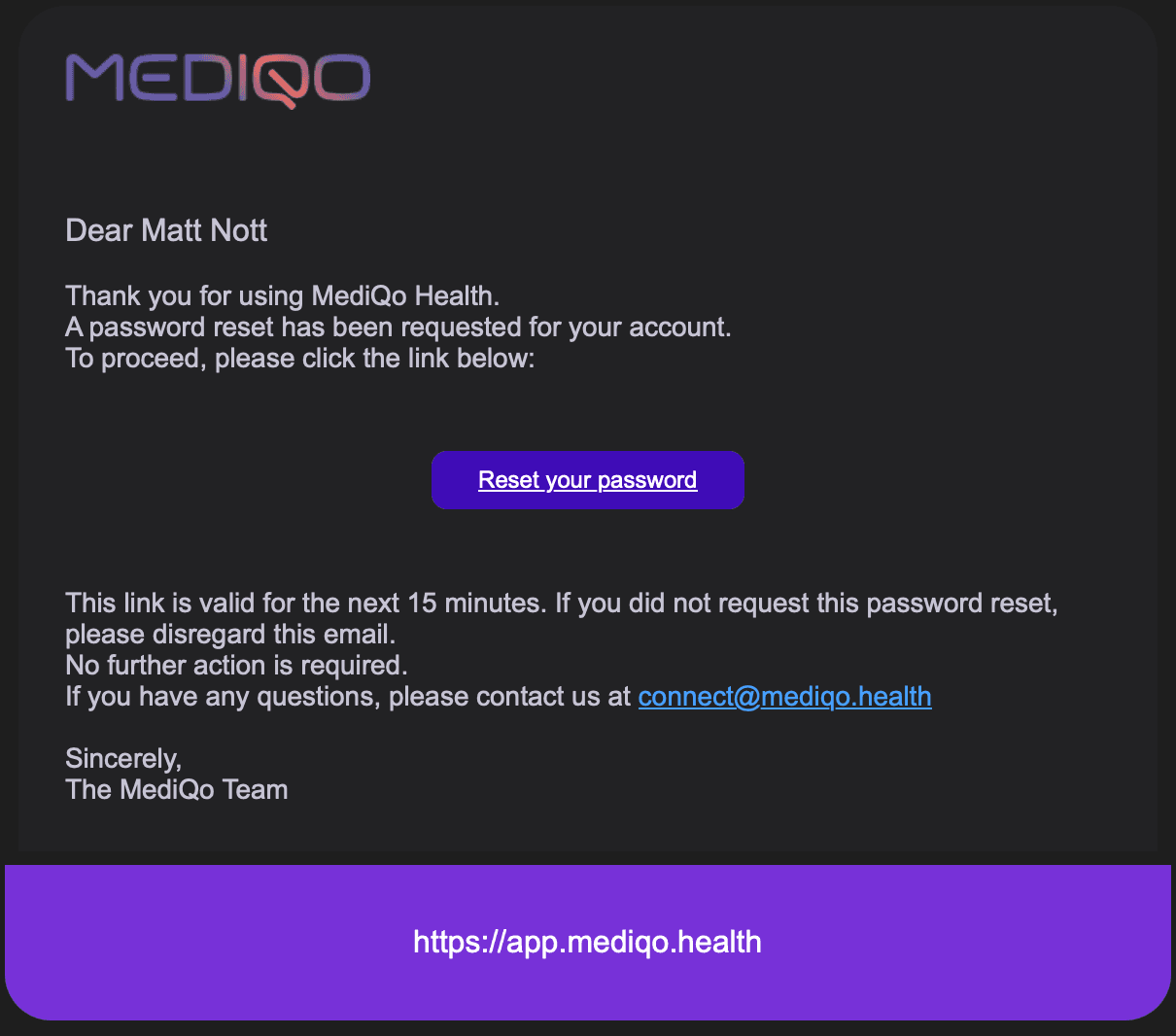
Simply click the “Reset Your Password” button in the email and follow the prompts to create a new password.
If you do not receive the reset email within a few minutes, please check your spam or junk folder. If you continue to experience issues, contact MediQo Support for assistance.