>Support
Search by topic, feature or keyword
Access the Differential Analysis tool
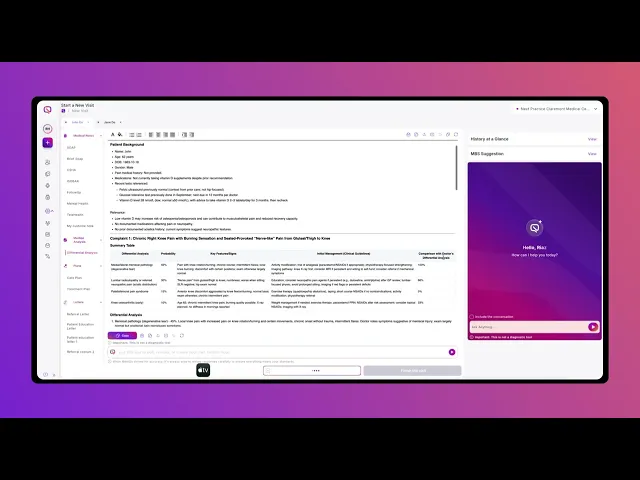
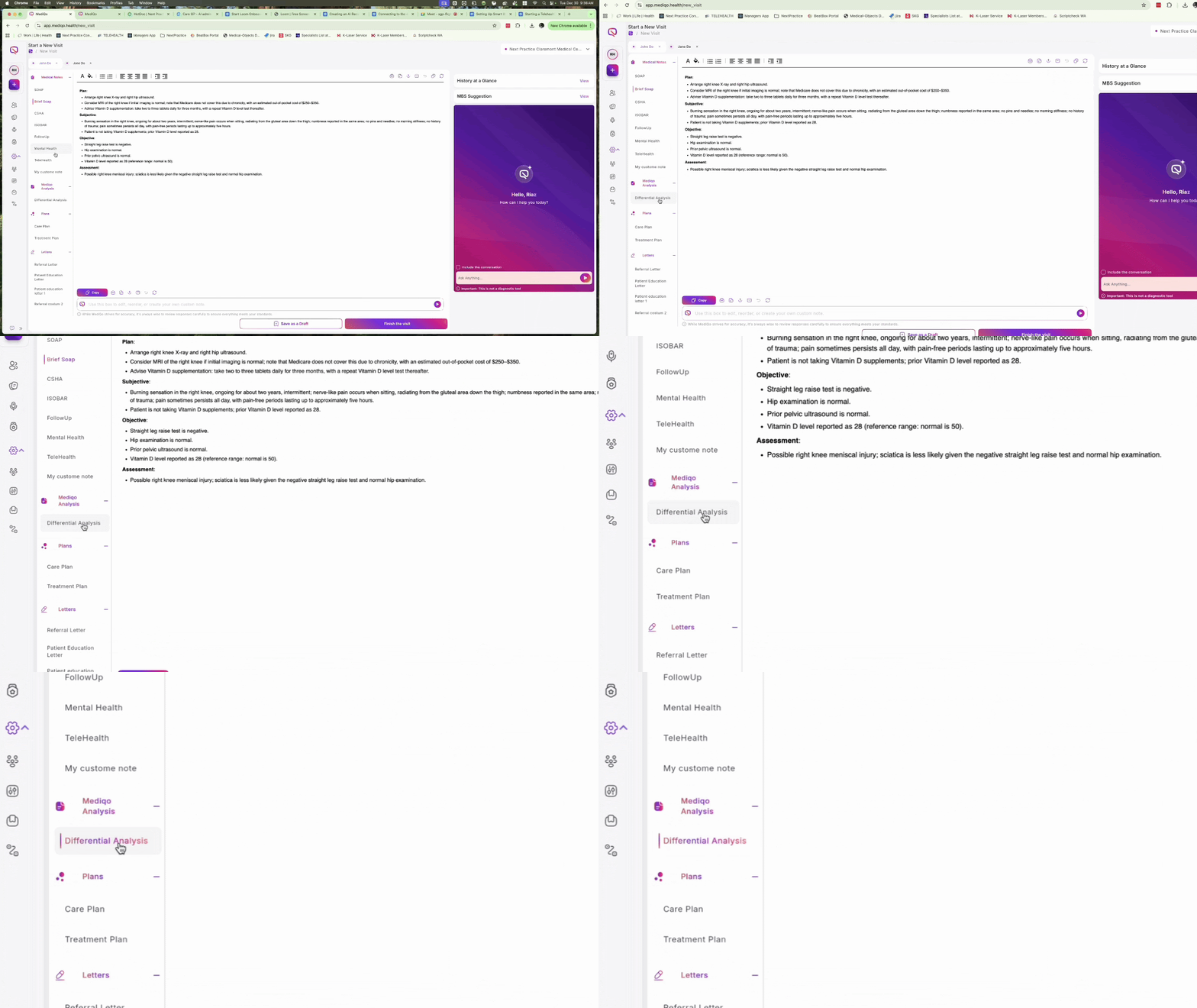
While in a consultation, navigate to the menu on the left-hand side of the screen and click on Differential Analysis. The system will automatically populate this section based on the current patient context and consult history.
Review the Patient Background and Summary Table
At the top of the page, you will see a brief Patient Background. Directly below this is the Summary Table, which provides a high-level overview. This table includes:
Differential Analysis: The potential conditions identified.
Probability: The likelihood of each condition.
Key Features/Signs: Specific indicators from the consult.
Initial Management: Recommendations based on Australian clinical guidelines.
Comparison: How this aligns with the doctor's own analysis.
View detailed breakdowns
Scroll down past the summary table to view in-depth information. This section expands on the summary, providing detailed notes on treatment plans, relevant medical history, and the specific layers of medical sources used to generate the analysis