>Support
Search by topic, feature or keyword
Generate and Select Note Formats
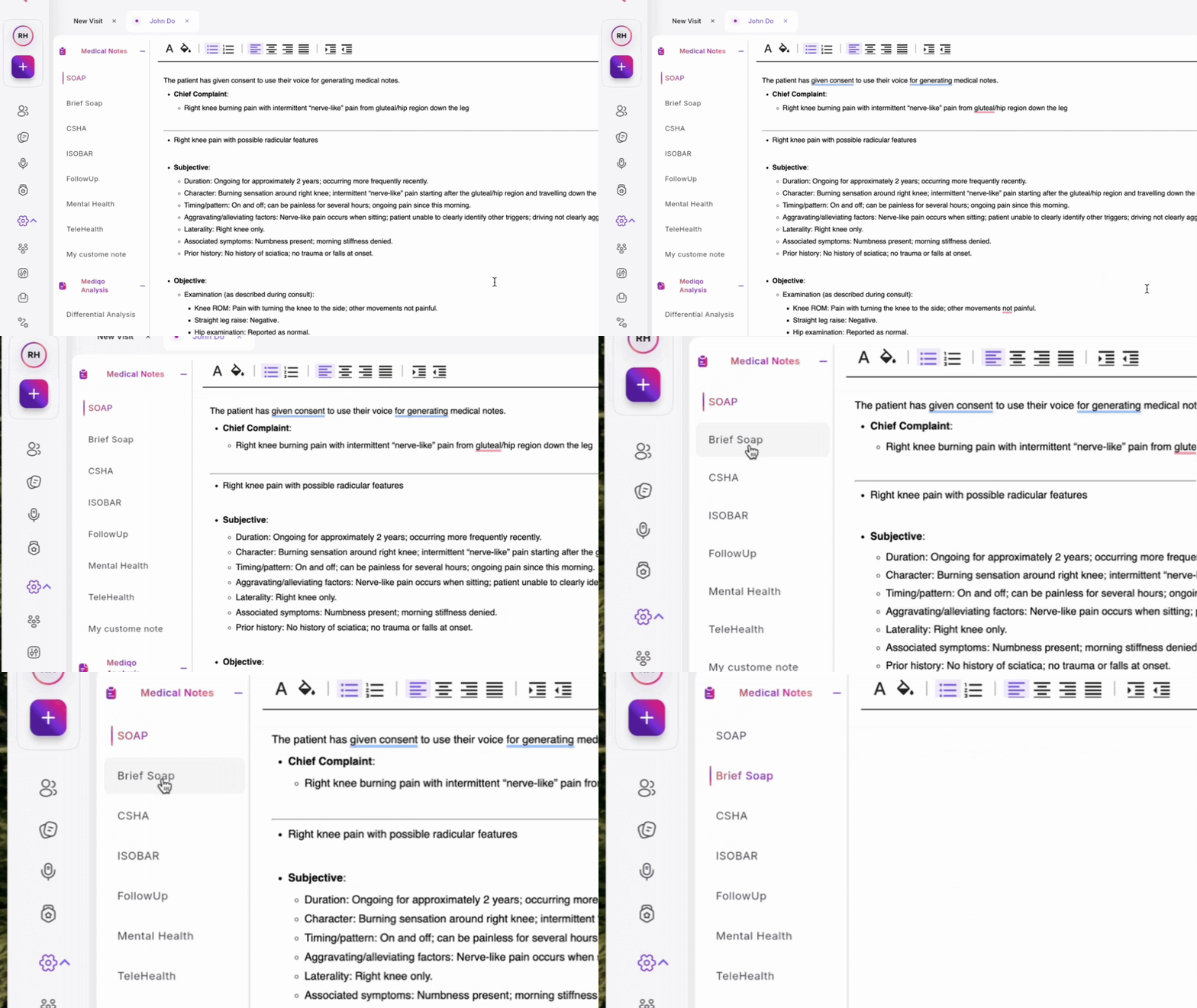
MediQo automatically generates medical notes in the background during your consultation. You can choose from various standard formats like SOAP or Brief SOAP directly from the sidebar.
Access Specialised Templates
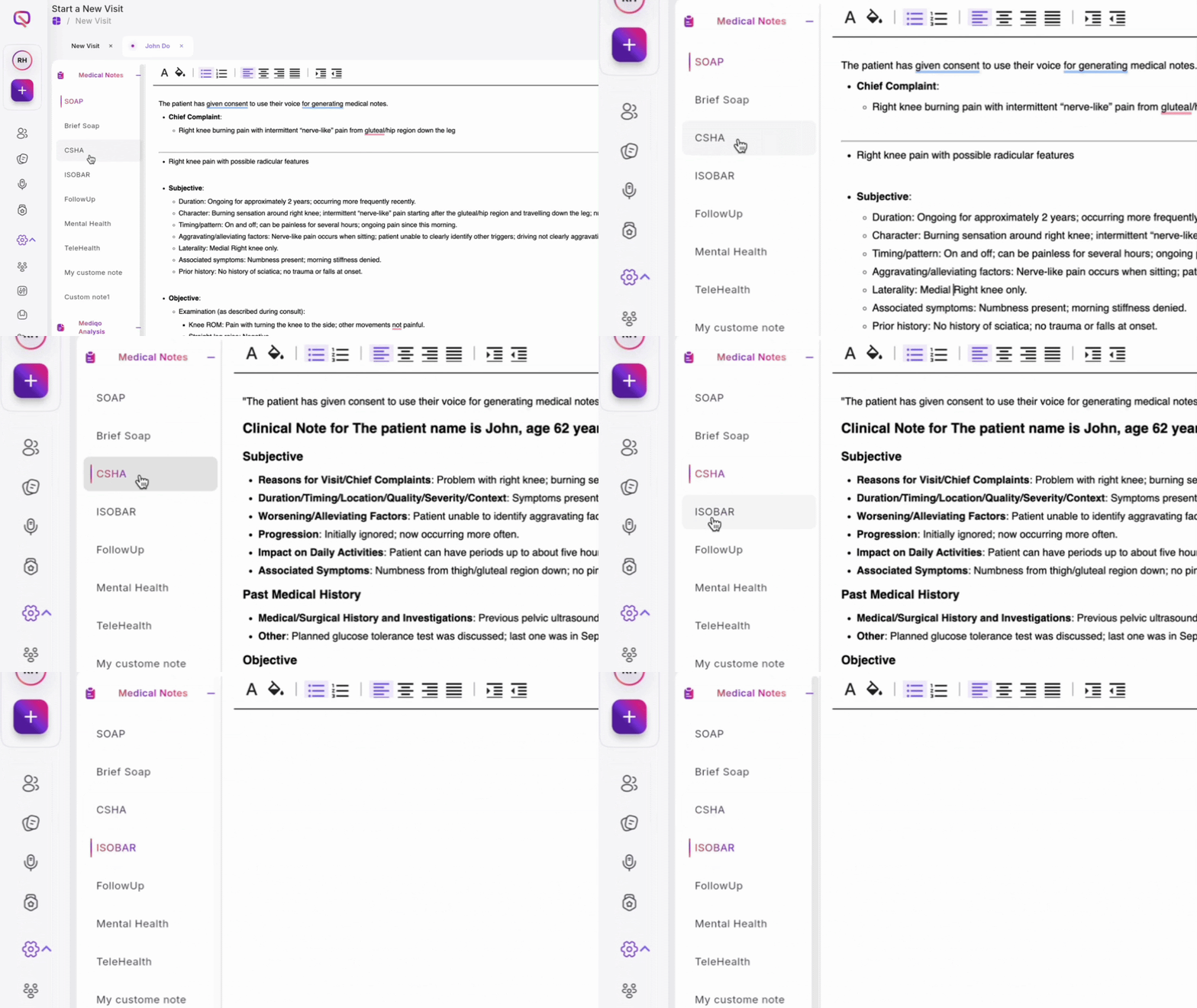
For specific consultation types, use specialised templates such as CSHA, ISOBAR, mental health, or telehealth formats.
Edit and Customise Notes
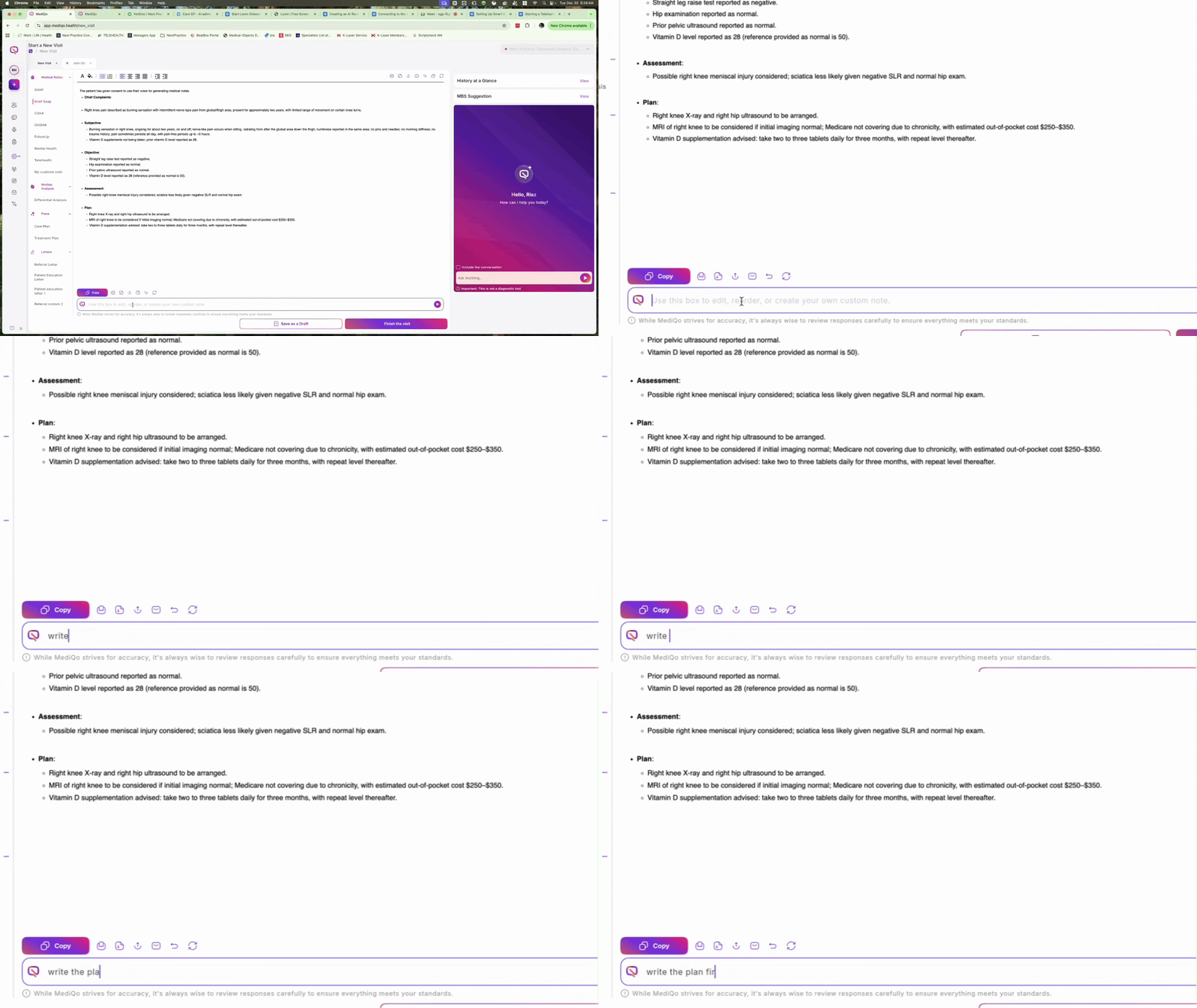
You can directly edit the generated text or use the prompt panel to adjust the style. Rearrange elements, delete sections, or add new information to tailor the note to your needs.
Save Custom Styles
Once you are satisfied with a customised note format, save it to your template library for future use.

Copy to Practice Management System (PMS)
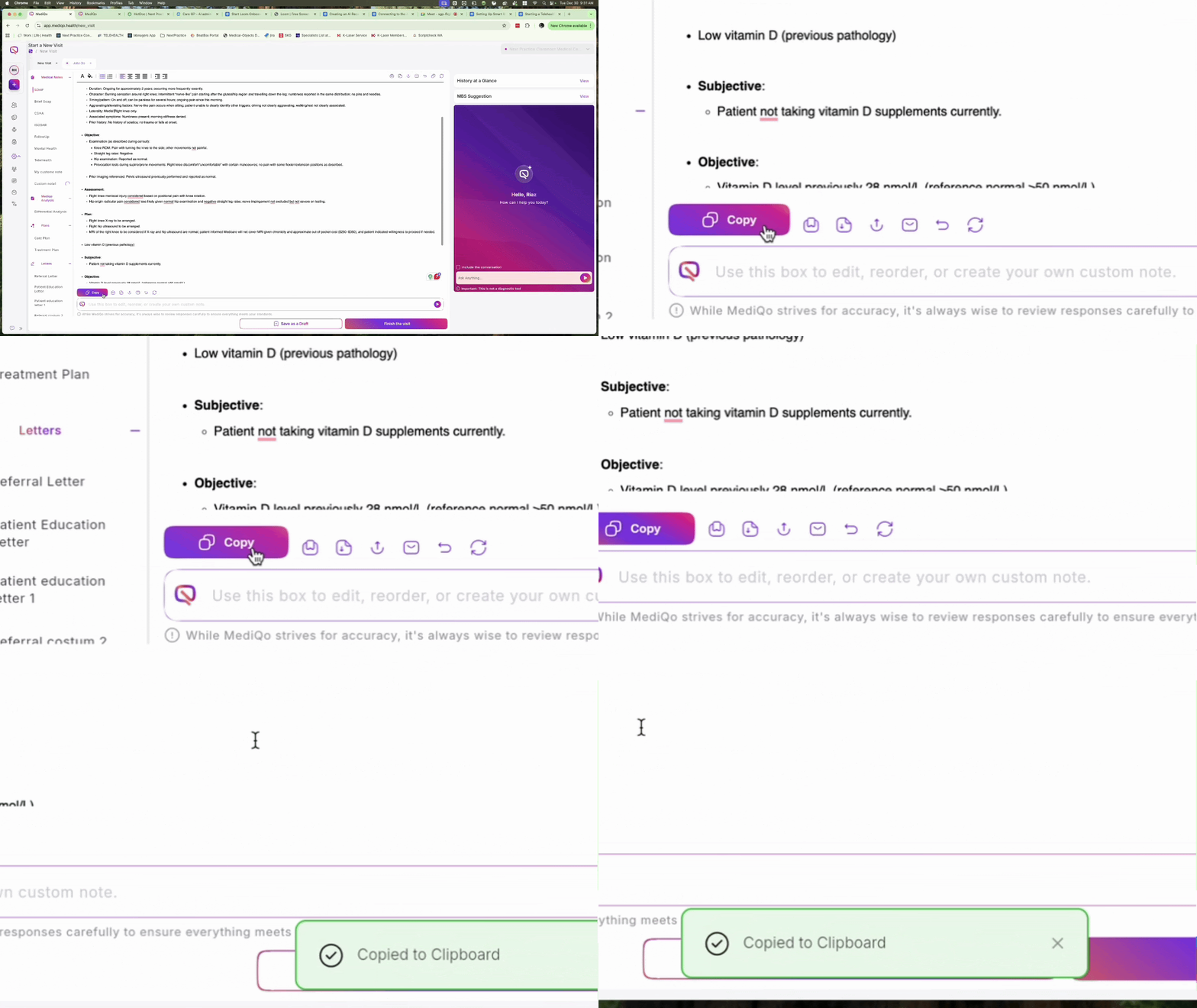
Easily transfer your notes by copying them directly to Best Practice or syncing them with your PMS.
Export or Print Documentation
Export your notes to DOCX or PDF formats, or print them directly. This allows you to provide comprehensive patient education letters including conditions, medications, and lifestyle advice.
