>Support
Search by topic, feature or keyword
If your AI documentation isn’t producing the level of detail or structure you expect, there are several ways to optimise performance.
1. Ensure Clear Audio Input
If using dictation or live scribing, make sure:
Your microphone or headset is functioning correctly
You are speaking clearly and at a consistent pace
Background noise is minimised
2. Activate Triggered Listening
MediQo uses triggered-only listening. Ensure the AI scribe is actively enabled during the consultation so it can capture the relevant interaction.
3. Use Structured Prompts
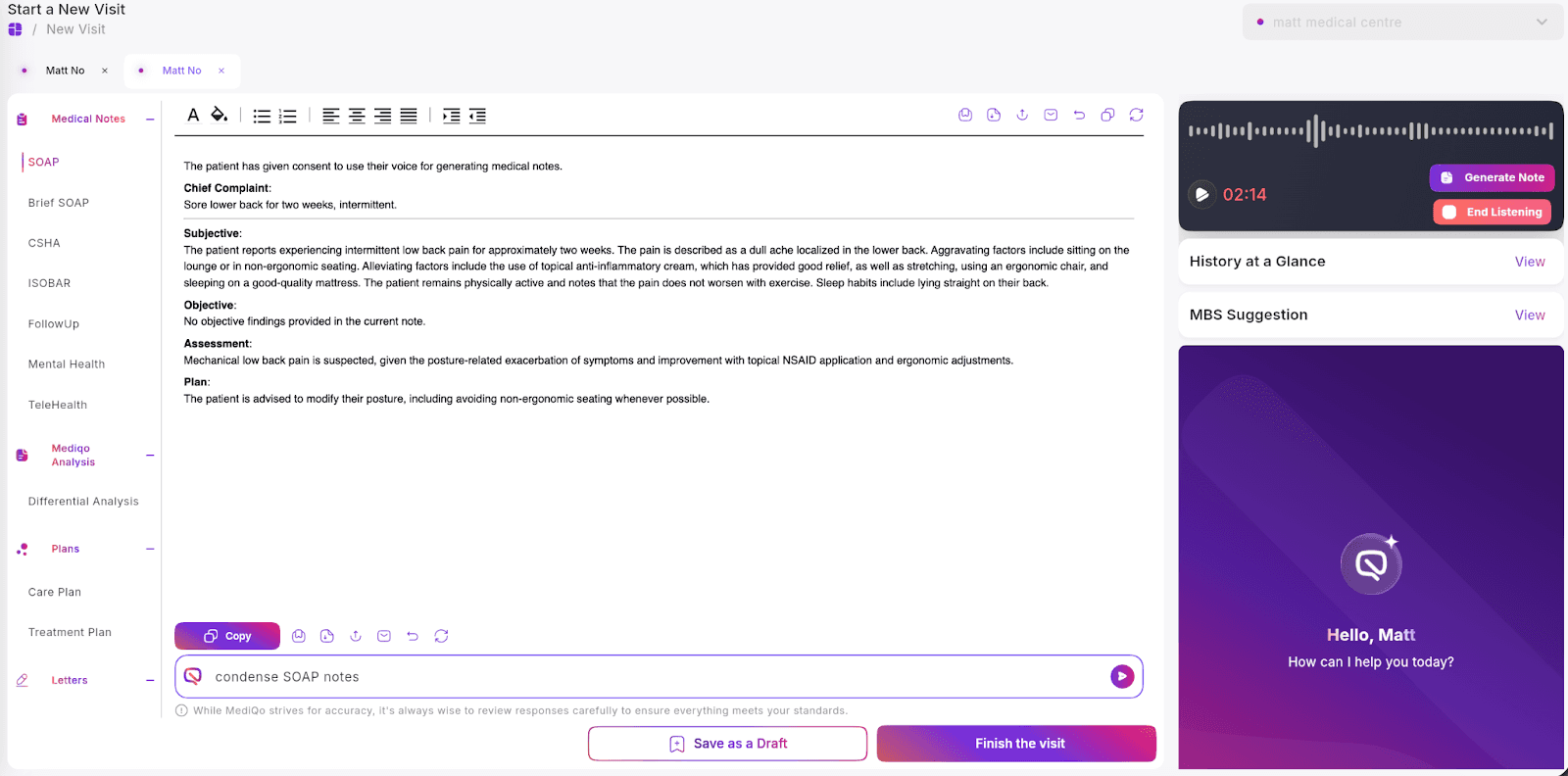
You can improve outputs by providing additional instructions in the prompt field. For example:
Format as SOAP note.
Expand the history section.
Include differential diagnosis.
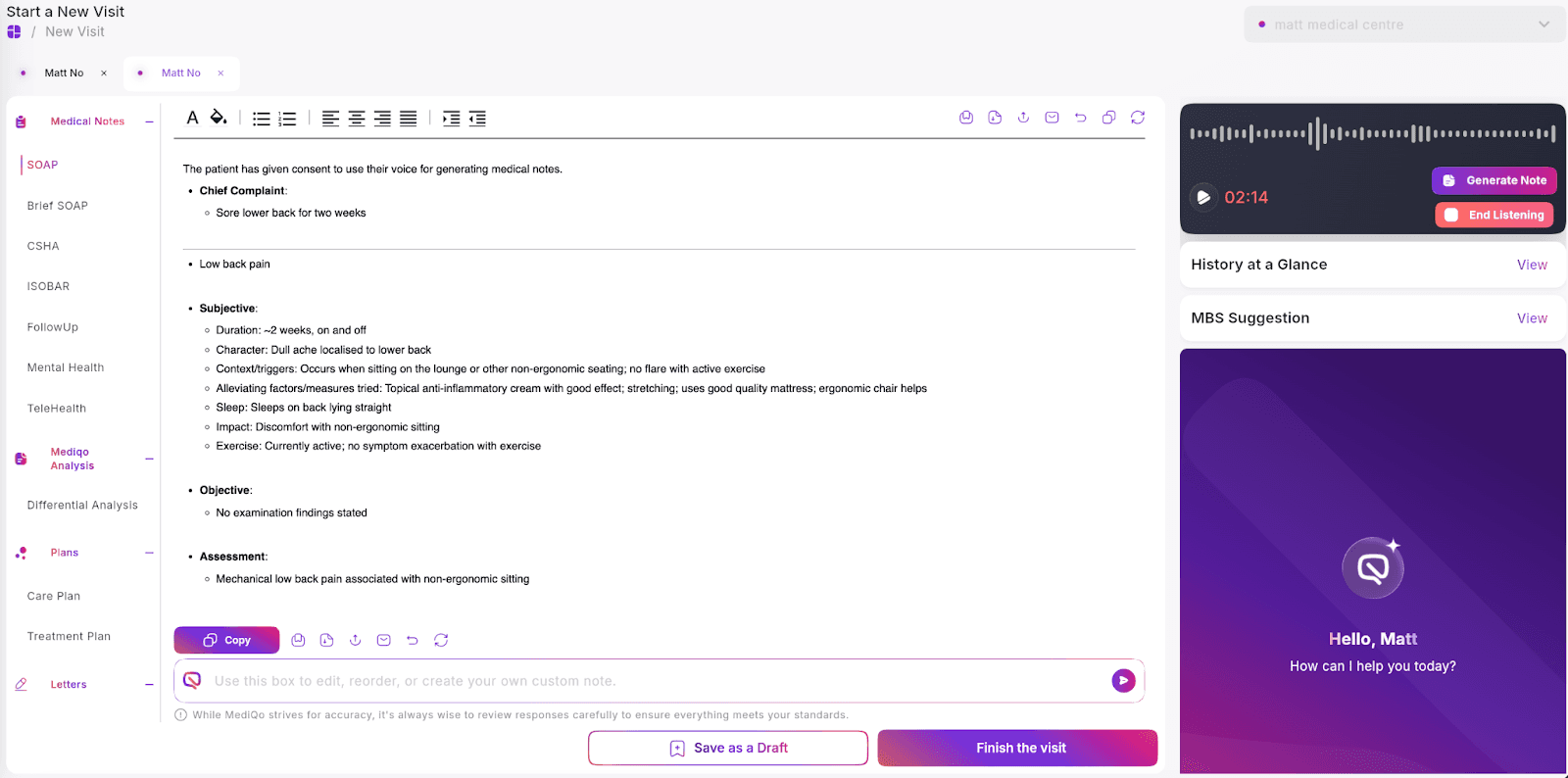
Summarise in point form.”
4. Customise Templates
If your clinic uses specific note formats, adjusting your default templates will significantly improve output consistency. See documentation on templates in MediQo, here.
5. Regenerate Documentation
If needed, you can regenerate the documentation at any time during the consult to refresh and refine the output.
If output quality concerns persist, contact MediQo Support so we can review configuration settings and provide guidance.